Manage child controls and review consent
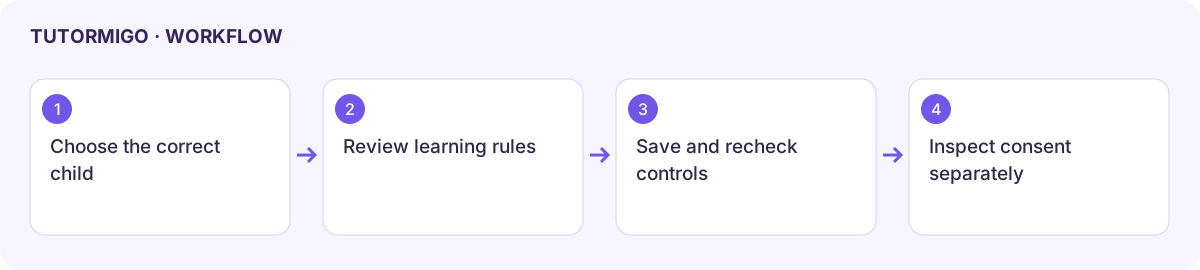
Open Controls and choose the intended child. Child-specific controls, family-wide settings, and consent records have different effects; verify the learner’s name before saving.
Review the child’s learning controls
Section titled “Review the child’s learning controls”- Open the child’s Content Controls and inspect the existing rules.
- Under Time Limits And Quiet Hours, enable only the rules you want enforced and enter their values. The reviewed screen says a limit of 0 means no limit.
- Under Scope Restrictions, inspect subject blocks, topic allowlists, blocked modes, and any effective grade override.
- Choose whether to receive Session Recaps. These are in-app learning summaries rather than raw transcripts.
- Review live Voice model access: allow all, restrict to one, or force one model. Check the selected model before saving.
- Save and reopen the controls to confirm the intended values persisted.
Managed-account controls
Section titled “Managed-account controls”The child view includes profile editing, PIN reset, suspension/reactivation, age-up migration, and memory controls where available. Follow the displayed confirmation and eligibility for each action. A suspension blocks sign-in; a PIN reset changes the child’s login; an expired migration window can require completion of the independent-account handoff.
Consent is a separate action
Section titled “Consent is a separate action”Open Consent and review each child’s current record. Read the application’s explanation before choosing Grant, Revoke, or Delete Data. These actions affect continued use or create a deletion request; they are not interchangeable with changing a time limit.
Check the resulting consent state and any confirmation or scheduled-request status. Do not assume pressing a deletion-request button immediately removes every record. For legal or policy questions, use the current published policy and the responsible support team.
Next: child reports and profile and family.
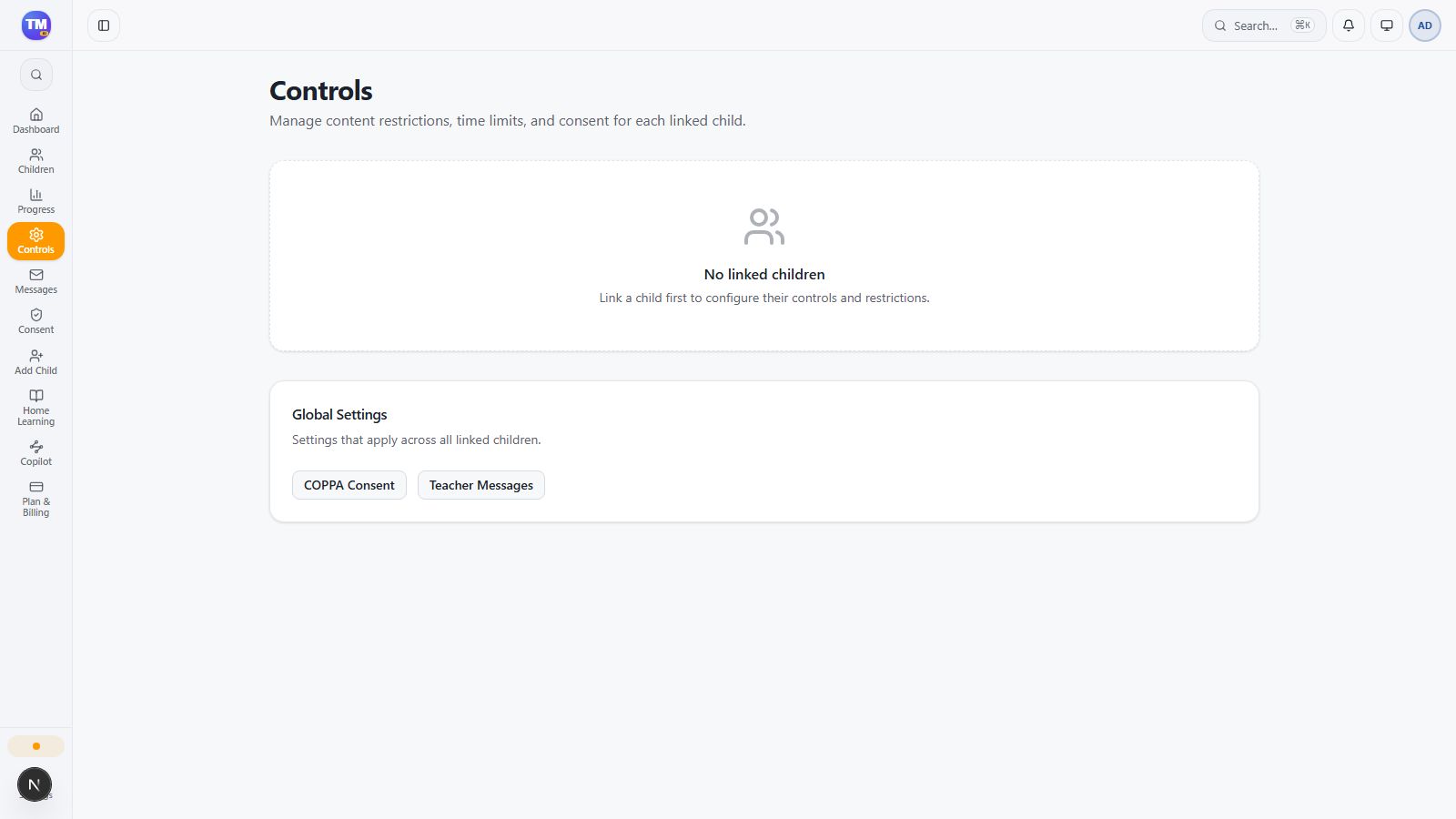
Parent Controls empty state requiring a linked child.
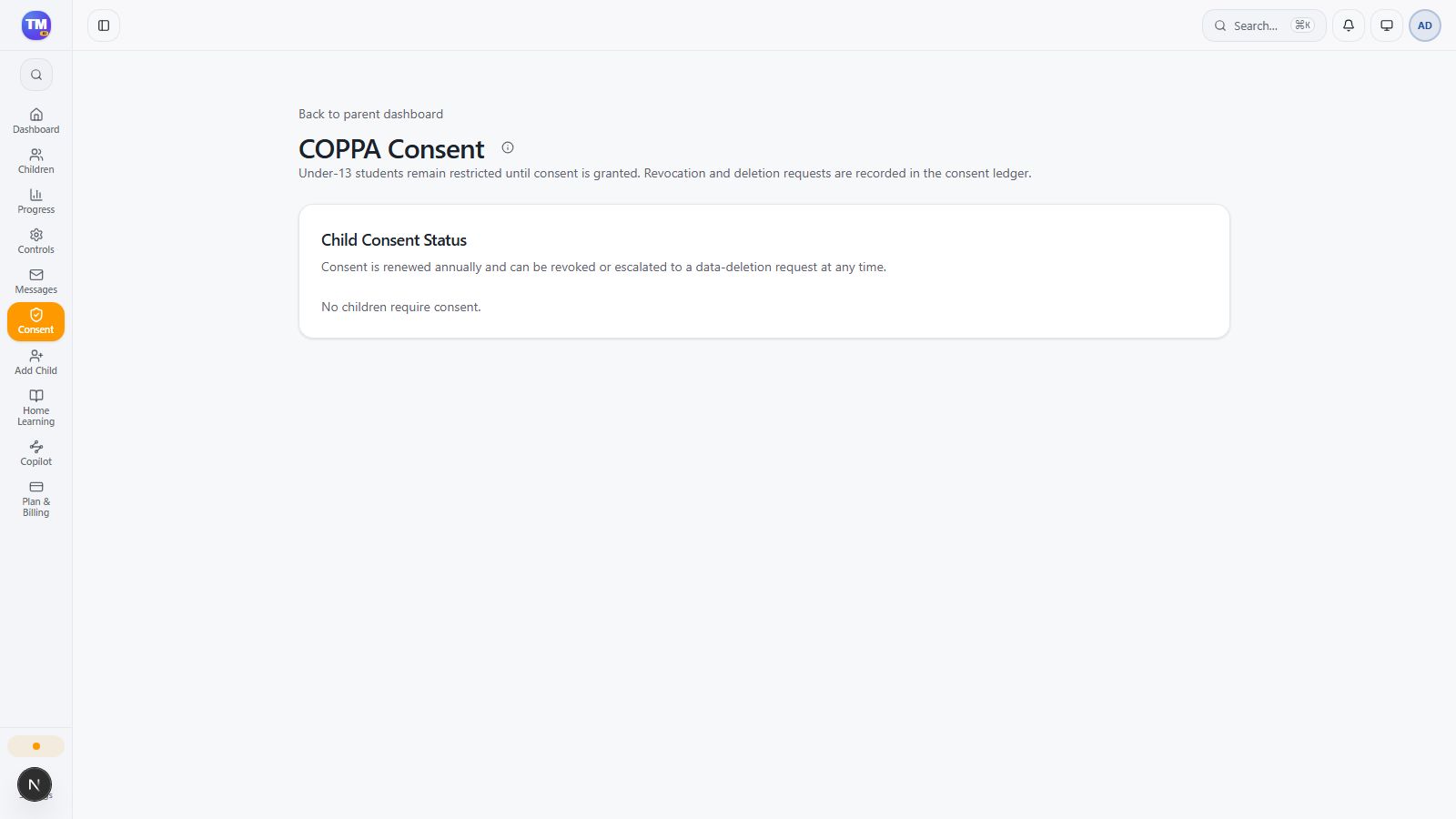
Parent Consent view before a child is linked.
Workflow at a glance
Section titled “Workflow at a glance”