Practice a conversation with Roleplay
Roleplay lets you practice a conversation in a scenario and review feedback. Open Study Tools → Roleplay.
Watch the walkthrough
Section titled “Watch the walkthrough”Read the walkthrough transcript
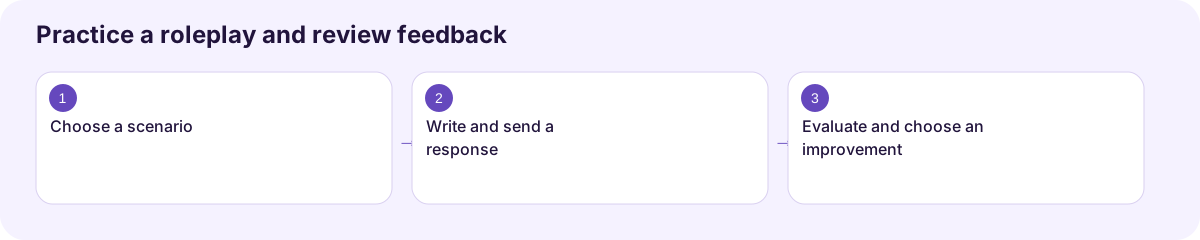
1. Choose a scenario
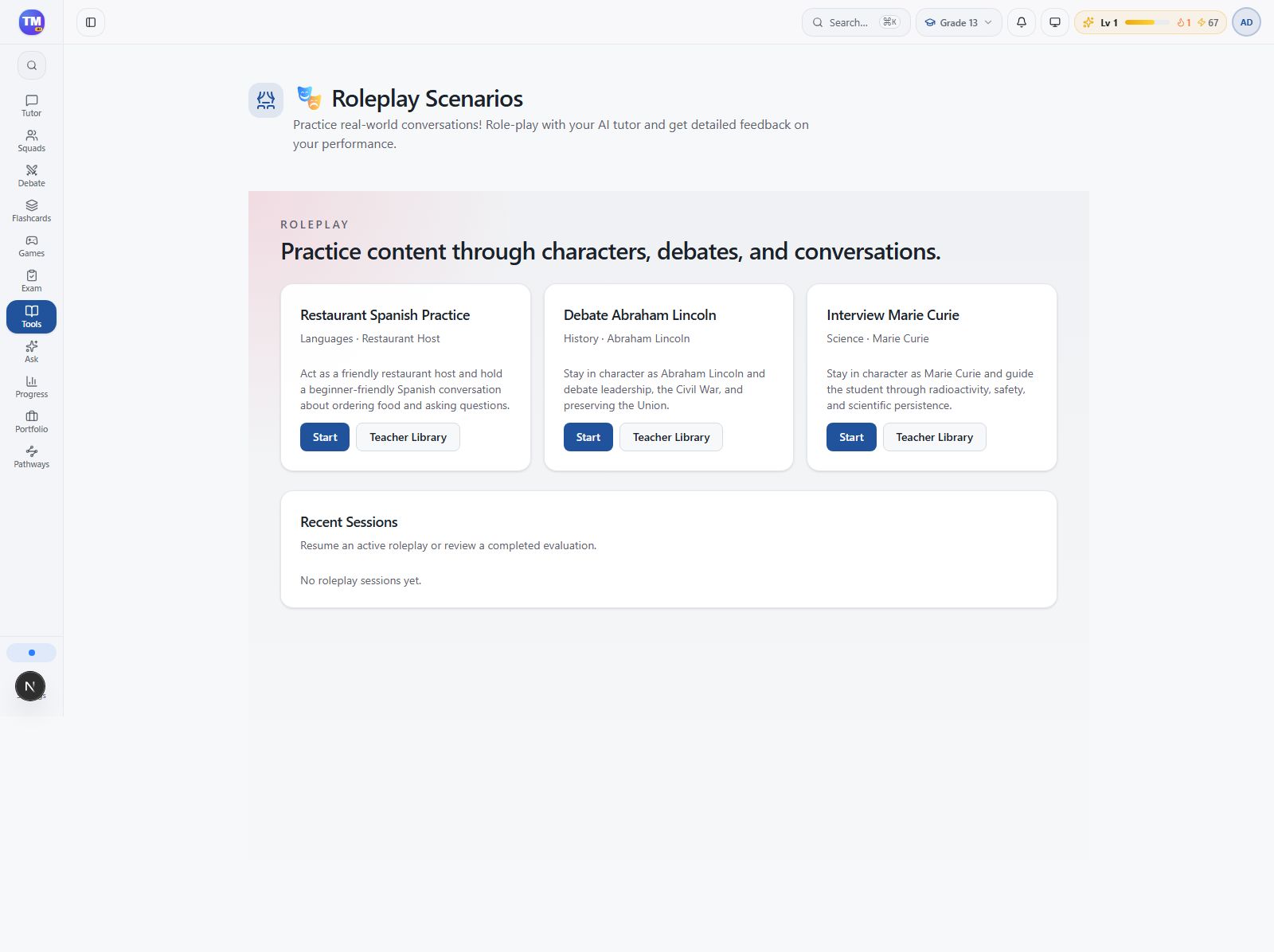
Let's practice a conversation. Open Roleplay and choose a scenario that matches your goal. We're starting Restaurant Spanish Practice. Read the role and instructions before writing your first response.
2. Write and send a response
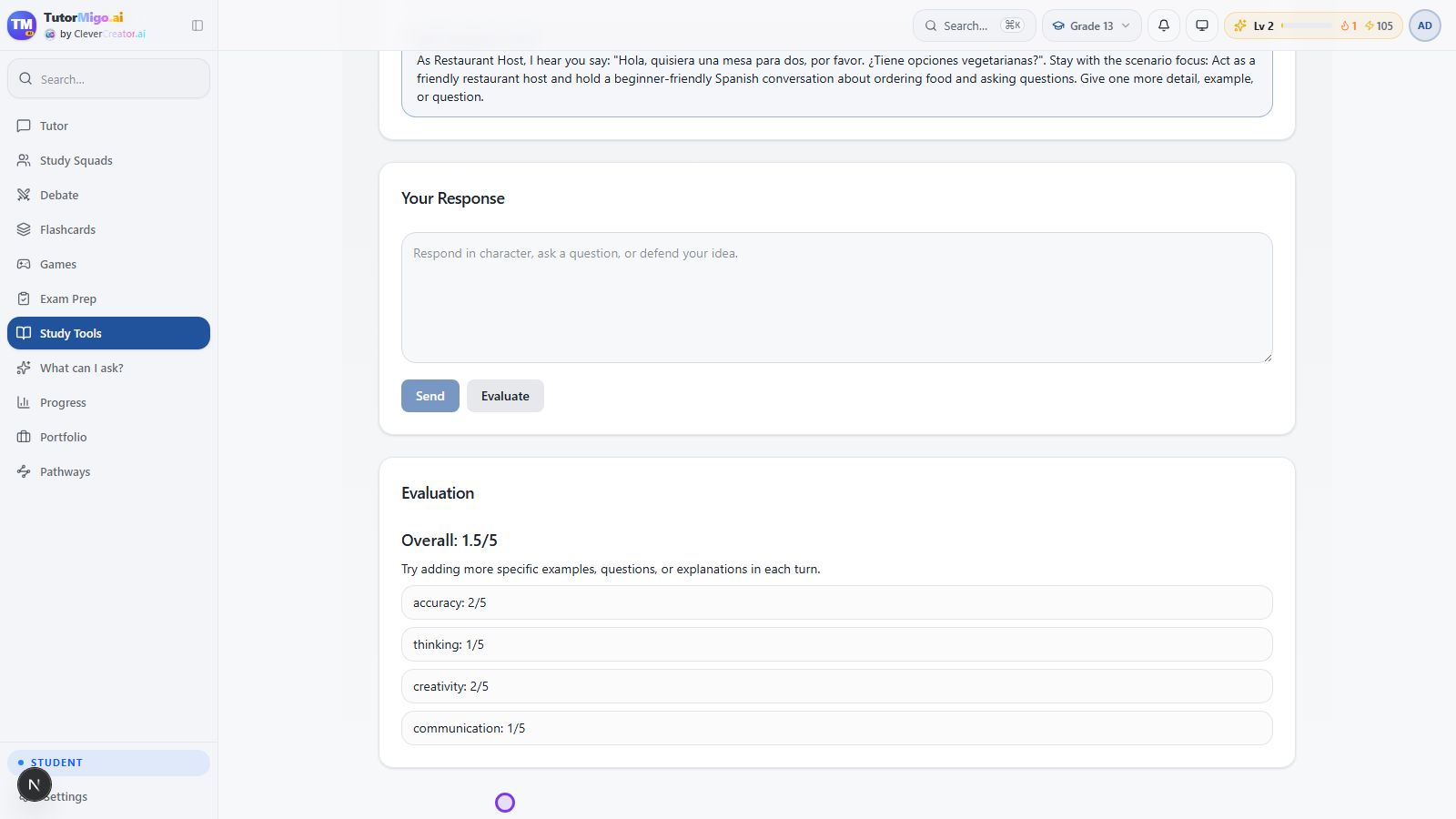
Try the conversation yourself. We ask for a table for two and vegetarian options, then choose Send. Read the host's reply before you continue. In this local run, the reply gives a basic prompt for more detail.
3. Evaluate and choose an improvement
Choose Evaluate to review the feedback. Look beyond the overall score at the individual categories. Our short exchange needs more detail, so the useful next step is to add a specific question or explanation when we practice again.
Download video · Captions · Transcript
Enter a scenario
Section titled “Enter a scenario”- Browse the available scenarios.
- Choose one that fits your goal, such as storytelling or language practice.
- Read the role and instructions before starting.
- Respond in your own words and continue the conversation.
- Choose Evaluate, scroll to Evaluation, and read the overall score and category feedback.
- Return to the scenario list to review the completed session or start another attempt.
Give each attempt a purpose
Section titled “Give each attempt a purpose”Focus on one skill: asking a clear question, using a new word, or supporting a claim with an example. Use fictional details when the scenario asks for personal information.
If no scenarios appear, check access and loading status. Teachers may provide activities for their students.
Next: Choose another tool.
Workflow at a glance
Section titled “Workflow at a glance”