Plan home learning with Family Copilot
Home Learning combines child context, family plans, early-risk alerts, coaching, offline packets, and conference briefs. Family Copilot provides a separate child-scoped routine and family guidance view.
Create a manageable plan
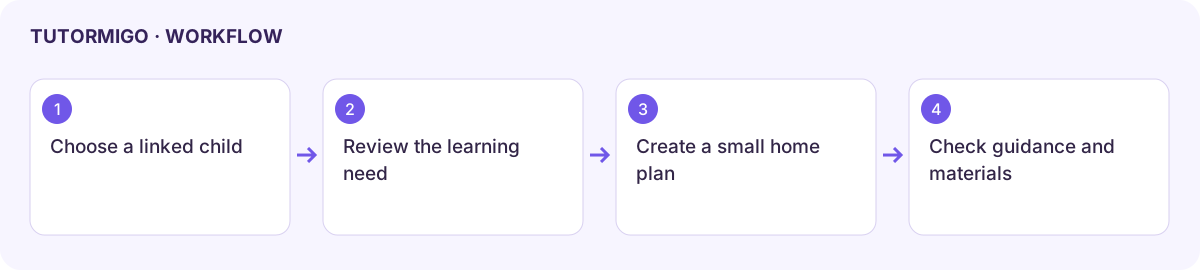
Section titled “Create a manageable plan”- Open Home Learning and choose a linked child under Child Context.
- Review the current activity and support needs before creating another plan.
- Enter a Plan name under Family Learning Plans and use the creation control.
- Check the saved plan entry and use its displayed details to agree a realistic study routine with the learner.
- Review Early-Risk Alerts and the Parent Coaching Assistant for relevant next steps.
Generate a packet or brief
Section titled “Generate a packet or brief”Enter a focused Topic in Offline Packet Generator and generate the available review packet. Inspect its material and any download/print controls before relying on it offline. A returned data preview is not automatically a printable file.
Read the Conference Brief Generator output before a discussion with the teacher. Correct inaccurate interpretations and keep the conversation grounded in the child’s actual work.
Use Family Copilot
Section titled “Use Family Copilot”Open Copilot, find the intended child, and read the priority label and routine. Review Family Guidance as suggestions, then choose a small action you can complete together. Predictions and routines can be based on incomplete activity; they do not replace a conversation with the child or teacher.
If these views are empty, check that a child is linked and meaningful activity exists. Refresh the current view before creating duplicate plans.
Workflow at a glance
Section titled “Workflow at a glance”